|

全部文章

第 13 / 13 页

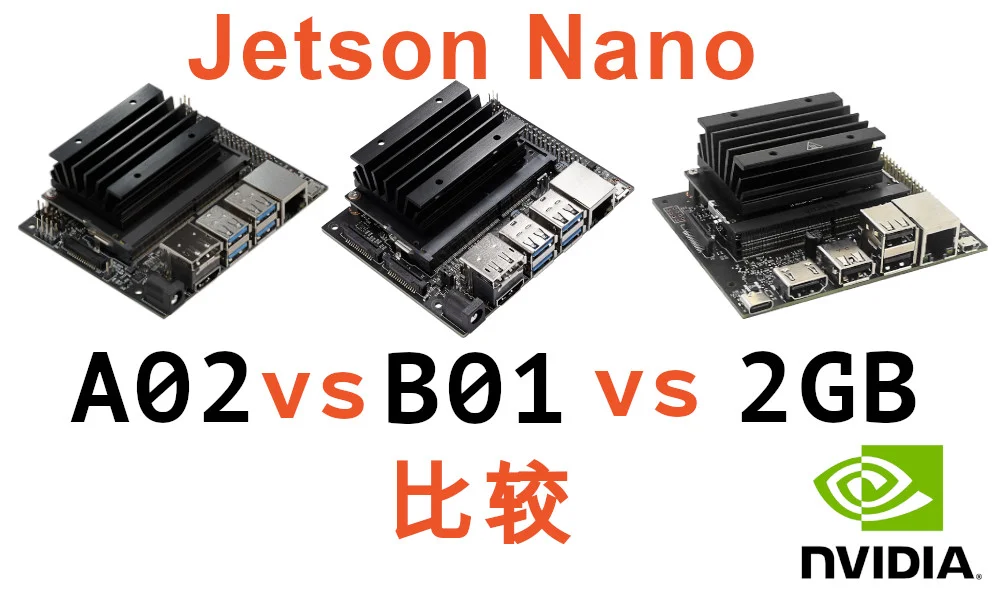
Differences Between Jetson Nano A02, B01, and 2GB Versions

Since the Jetson Nano price skyrocketed, it has had a huge impact on teams relying on it as their primary development platform. We're taking a fresh look at the different Jetson Nano variants — choosing the right board at the lowest cost is the smartest resource strategy. This article covers the differences between the Jetson Nano A02, B01, and 2GB versions to help you make a more informed choice.
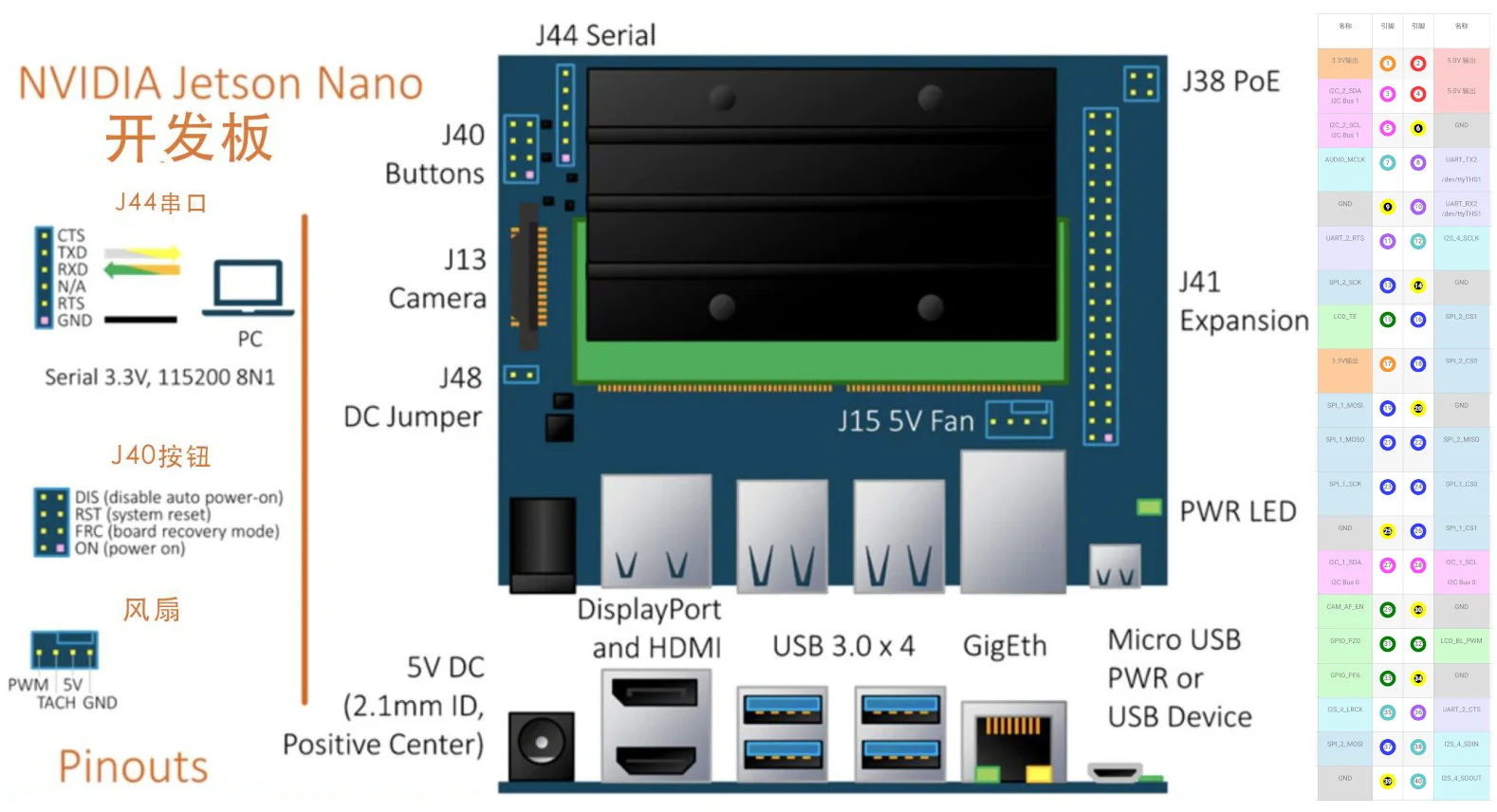
Jetson Nano 40-Pin Header Explained

The Jetson Nano module uses a Small Outline Dual In-line Memory Module (SO-DIMM) form factor and plugs into a 100x80mm carrier board. The carrier board exposes many typical computer interfaces such as USB 3.0, Gigabit Ethernet, and video output (supporting 4K 60fps). This article takes a detailed look at the Jetson Nano's 40-pin header and analyzes its features and functions.

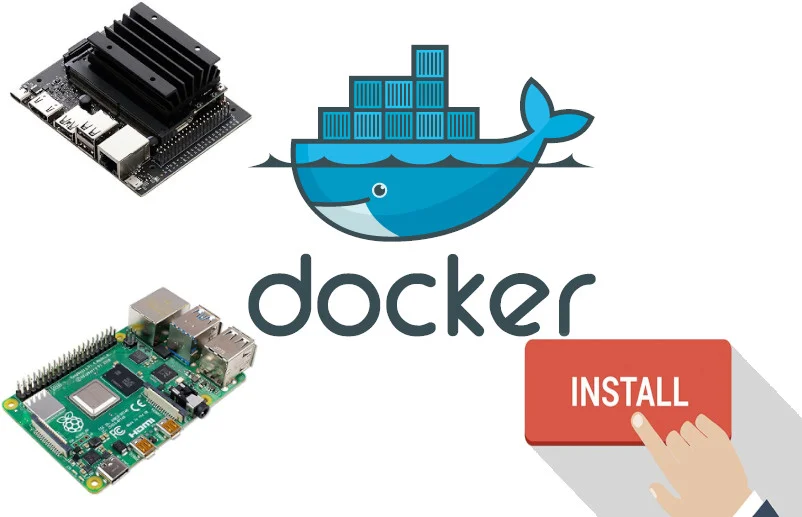
Installing Docker on Raspberry Pi/Jetson Nano in 2026

Docker is a popular platform for developing, shipping, and running applications. It helps you separate your applications from infrastructure so you can deliver software quickly. You don't need to worry about application compatibility with the operating system or missing library files, making it perfect for use on single-board computers. This article covers the universal Docker installation method, tested successfully on both Raspberry Pi and Jetson Nano.

CoLab - Image Face Detection: Drawing Boxes Around Faces

This tutorial teaches you how to use Google Colaboratory for face recognition and drawing bounding boxes on static images. CoLab's biggest advantage: Fast GPU computing speed! Note: · Accessing Colab in China requires a VPN; · Beginners new to Colab should search and familiarize yourself with basic operations first; · You can try running the code on Jetson Nano or other GPU-equipped environments; · The ipynb format tutorial link is here. Preparation & Installing Libraries 1)...

Installing Jupyter Lab on Jetson Nano

Jetpack 4.3 was recently released with many new features and system optimizations. Eager to try it out, I flashed the SD card and discovered that unlike the Jetbot image, Jupyter Lab wasn't pre-installed. How could such a great Python web editor be missing? So began my day of tinkering. > > This article is based on research, translation, and hands-on practice with troubleshooting. > If there are any omissions or errors, please correct them. Now sharing the Jupyter installation...

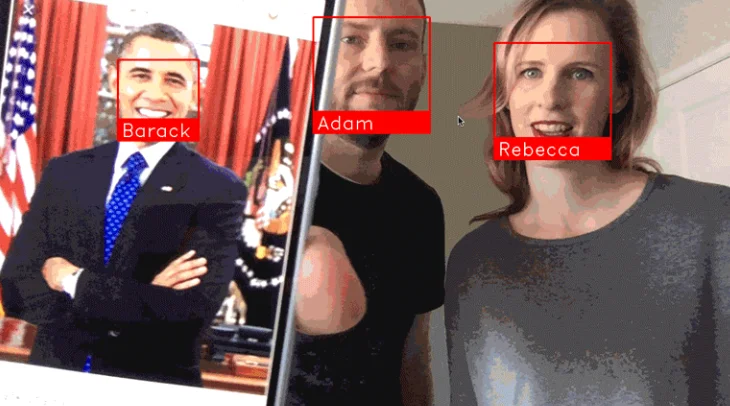
Jetson Nano - Face Recognition Door Camera (face_recognition)

Learn how to build a face recognition monitoring system for your doorstep with a 1000 yuan budget: All you need is a Jetson Nano with a simple camera to identify and record visitors to your door. Through the face_recognition module, you can monitor in real-time whether visitors have been there before, and record exactly when and how many times they visited. Even if they wear different clothes each time, the system can still recognize them. NVIDIA's Jetson...

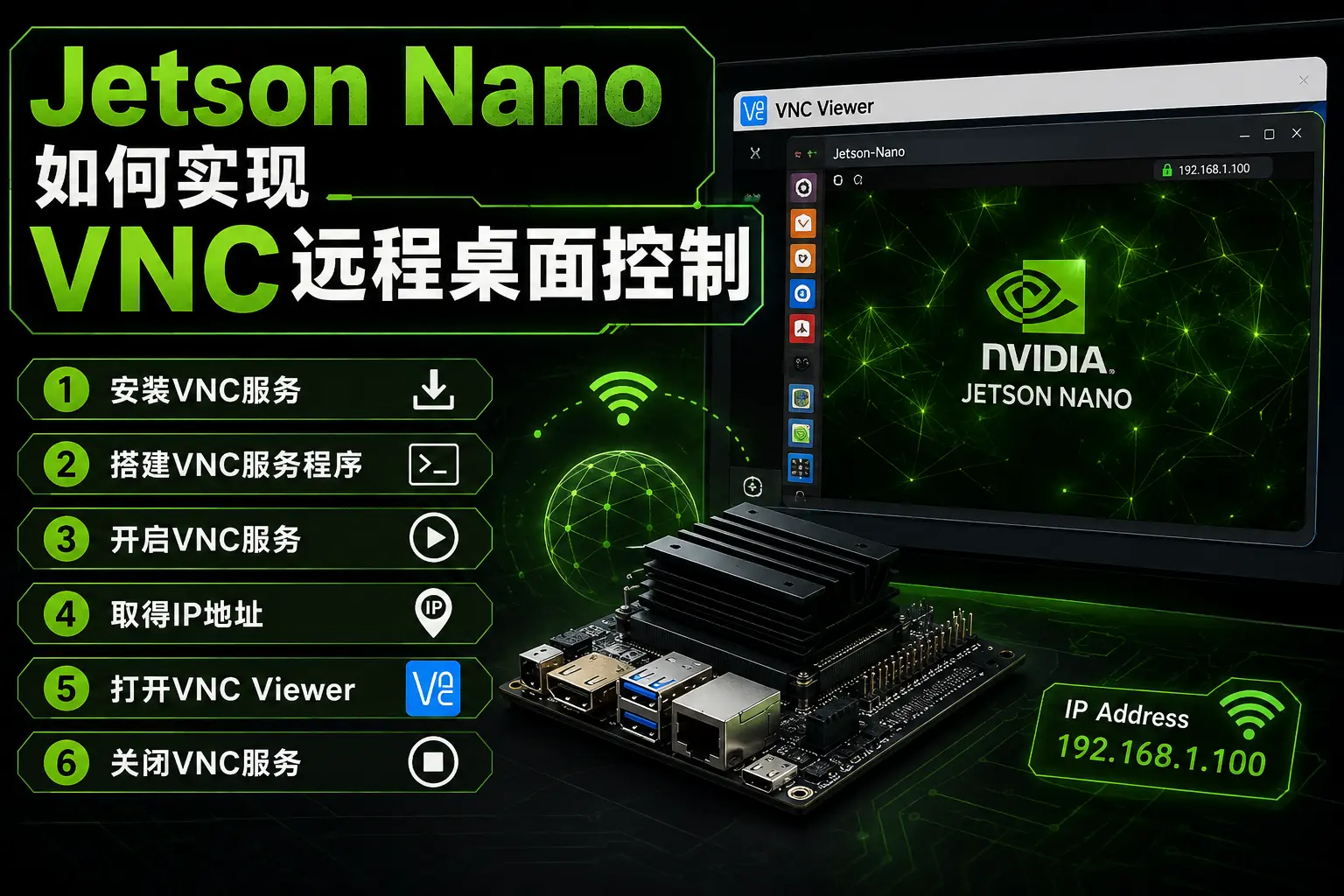
Jetson Nano - How to Set Up VNC Remote Desktop Control

This tutorial teaches you how to VNC into your Jetson Nano for remote desktop control without connecting a monitor. While Raspberry Pi's official system comes with RealVNC server pre-installed, requiring only a VNC Viewer download on your computer for convenient remote access, Jetson Nano isn't as straightforward. Without further delay, here's the official VNC setup tutorial: 1. Install VNC Service First, on the Jetson...