 Development Environment
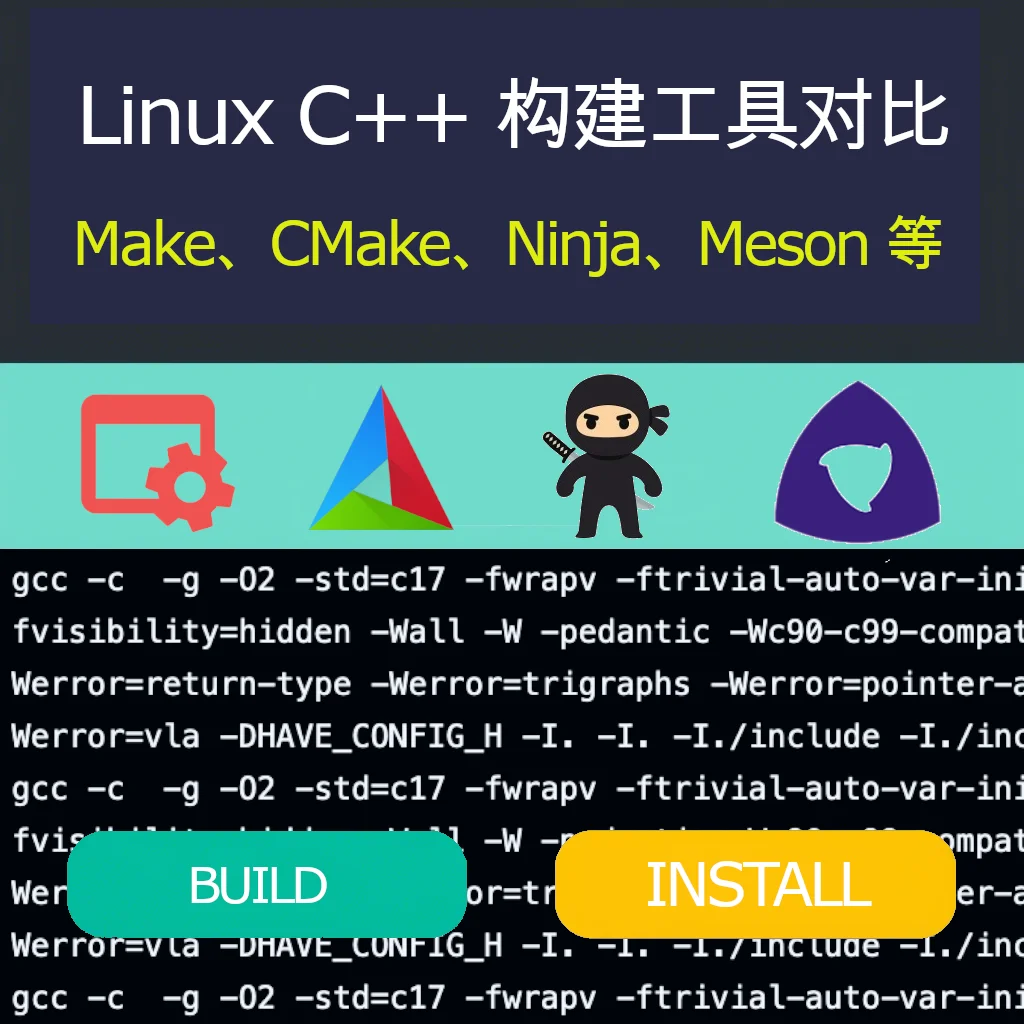
 Linux C++ Build Tools Comparison: Make, CMake, Ninja, Meson and More
Introduction
-
Explains the importance of build tools in software development.
-
Emphasizes the impact of choosing the right build tool on development efficiency, performance, and maintainability.
-
Explains the purpose of this article: comparing common Linux C++ build tools to help developers choose the right tool.
1. Make
- History:
Created by Stuart Feldman in 1977 at Bell Labs.
- Originally used to build Unix software, later became the standard build tool in Unix environments.
Introduction:
- Uses
Makefileto define build rules and dependencies.
Advantages:
-
Simple and lightweight, suitable for small projects.
-
Universally available on Linux systems.
-
Highly customizable.
Disadvantages:
-
Configuration can become complex for large projects.
-
Manual dependency management is error-prone.
Suitable for:
-
Small to medium C++ projects.
-
Projects requiring fine-grained control over the build process.
2. CMake
- History:
First released by Kitware in 2000.
-
Aimed to solve the limitations of Make and Autotools, especially the need for cross-platform development.
-
Popular for its flexibility and support for large projects.
Introduction:
-
Cross-platform build system generator.
-
Uses
CMakeLists.txtfiles to define build configuration.
Advantages:
-
Highly flexible and extensible.
-
Supports large complex projects.
-
Can generate configuration files for multiple build systems (such as Make, Ninja).
Disadvantages:
-
Steep learning curve.
-
May be overly complex for small projects.
Suitable for:
-
Large cross-platform C++ projects.
-
Projects requiring custom build configuration.
3. Ninja
- History:
Created by Evan Martin at Google in 2011.
-
Aimed to provide a faster build tool than Make for large projects (like Chrome).
-
Focused on minimalism and speed.
Introduction:
-
Low-level build tool focused on speed.
-
Usually used as a backend for CMake.
Advantages:
-
Extremely fast build speed.
-
Lightweight and efficient.
-
Excellent for incremental builds.
Disadvantages:
-
Not a build system generator (requires tools like CMake to generate input files).
-
Fewer features, suitable for specific scenarios.
Suitable for:
-
Projects requiring fast incremental builds.
-
As a backend for CMake or other generators.
4. Meson
- History:
Created by Jussi Pakkanen in 2013.
-
Aimed to be a modern replacement for CMake and Autotools, emphasizing speed and ease of use.
-
Gaining popularity for its simplicity and performance.
Introduction:
-
Modern build system focused on speed and ease of use.
-
Uses Python-like syntax for configuration files.
Advantages:
-
Fast build speed.
-
Easy to learn and use.
-
Good cross-platform support.
Disadvantages:
- Smaller community, relatively fewer resources.
Suitable for:
-
Medium to large C++ projects.
-
Projects requiring modern build features.
5. Bazel
- History:
Developed by Google, open-sourced in 2015.
-
Based on Google’s internal build tool Blaze.
-
Designed for large multi-language projects, emphasizing reproducibility and scalability.
Introduction:
-
Build tool for large multi-language projects.
-
Uses a declarative language to define build configuration.
Advantages:
-
Highly scalable.
-
Supports large complex projects.
-
Reproducible build process.
Disadvantages:
-
Steep learning curve.
-
Requires specific project structure.
Suitable for:
-
Large complex C++ projects.
-
Projects requiring reproducible builds.
6. Autotools (GNU Build System)
- History:
Developed in the early 1990s as part of the GNU project.
-
Aimed to standardize build processes for Unix systems.
-
Includes Autoconf, Automake, and Libtool.
Introduction:
-
Tool suite for generating portable build scripts.
-
Uses
configurescripts andMakefile.amfiles.
Advantages:
-
Highly portable on Unix systems.
-
Automatically handles system-specific configuration.
Disadvantages:
-
Complex and verbose syntax.
-
Steep learning curve.
Suitable for:
-
Unix/Linux-based open source C++ projects.
-
Projects requiring high portability.
7. SCons
- History:
First released by Steven Knight in 2000.
-
Inspired by Make but uses Python for configuration.
-
Aimed to be more flexible and powerful than Make.
Introduction:
-
Python-based build tool.
-
Uses Python scripts to define build configuration.
Advantages:
-
Highly flexible and powerful.
-
Good cross-platform support.
Disadvantages:
-
Build speed may be slower.
-
Requires Python knowledge.
Suitable for:
-
Projects requiring complex build logic.
-
Suitable for developers familiar with Python.
8. Waf
- History:
Created by Thomas Nagy in 2005.
- Aimed to be a modern replacement for SCons, emphasizing simplicity and performance.
Introduction:
-
Python-based build system.
-
Designed to be flexible and easy to use.
Advantages:
-
Highly flexible and extensible.
-
Good cross-platform support.
Disadvantages:
-
Requires Python knowledge.
-
Smaller community.
Suitable for:
-
Projects requiring custom build logic.
-
Suitable for developers familiar with Python.
9. Tup
- History:
Created by Mike Shal in 2008.
- Aimed to be faster and more efficient than Make through a unique dependency tracking mechanism.
Introduction:
-
File-based fast build system.
-
Uses a unique dependency tracking mechanism.
Advantages:
-
Extremely fast build speed.
-
Simple and efficient.
Disadvantages:
- Fewer features, suitable for specific scenarios.
Suitable for:
-
Projects requiring fast incremental builds.
-
Small to medium C++ projects.
10. Premake
- History:
First released by Jason Perkins in 2004.
- Aimed to simplify the generation of multi-platform build configuration files.
Introduction:
-
Build configuration tool that generates project files for multiple build systems.
-
Uses Lua scripts to define configuration.
Advantages:
-
Easy to learn and use.
-
Supports generating configuration files for multiple build systems (such as Make, Ninja).
Disadvantages:
- Only generates project files, not a complete build system.
Suitable for:
- Projects requiring multi-platform build configuration.
Tool Comparison Table
| Tool | Ease of Use | Speed | Flexibility | Cross-platform Support | Suitable For |
|---|---|---|---|---|---|
| Make | Simple | Medium | High | Limited | Small to medium projects |
| CMake | Medium | Medium | Very High | Excellent | Large cross-platform projects |
| Ninja | Low | Extremely Fast | Low | Excellent | Fast incremental builds |
| Meson | Simple | Fast | High | Excellent | Modern medium to large projects |
| Bazel | Complex | Fast | Very High | Excellent | Large complex projects |
| Autotools | Complex | Medium | High | Unix systems | Open source Unix/Linux projects |
| SCons | Medium | Medium | High | Excellent | Projects requiring complex build logic |
| Waf | Medium | Medium | High | Excellent | Projects requiring custom build logic |
| Tup | Simple | Extremely Fast | Low | Excellent | Fast incremental builds |
| Premake | Simple | N/A | Medium | Excellent | Multi-platform build configuration |
Summary
-
Each tool has its historical background, advantages, and disadvantages, reflecting the evolution of software development needs.
-
Make and Autotools laid the foundation for modern build tools.
-
CMake, Meson, and Bazel represent a new generation of build tools, focusing on flexibility, speed, and scalability.
-
Ninja and Tup focus on speed and efficiency, suitable for large projects.
-
When choosing a tool, weigh factors based on project size, complexity, and requirements.